WhatsApp Chat Transfer
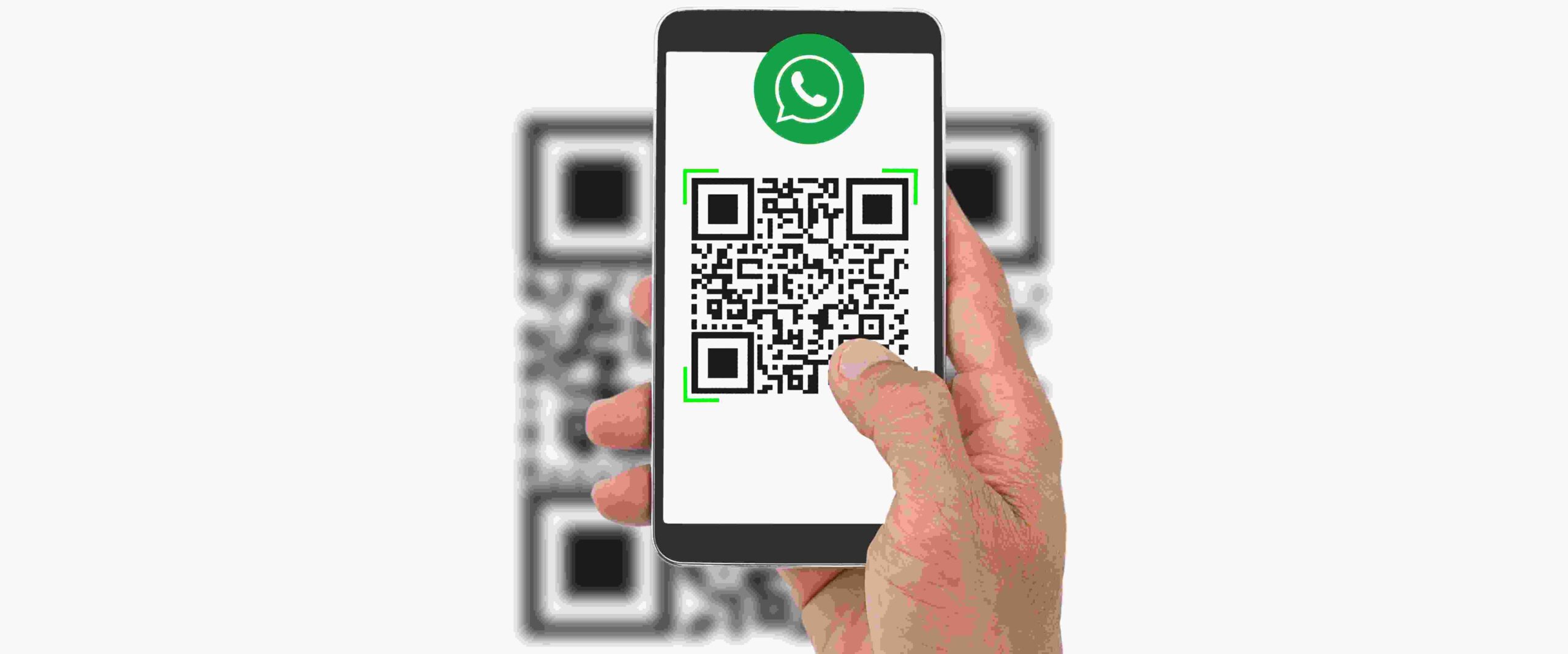
WhatsApp has recently unveiled an exciting new feature aimed at simplifying the process of transferring chat histories between devices. Known as Chat Transfer, this feature empowers users to seamlessly transfer their chat history, including messages, media, and settings, from one Android device to another by leveraging a convenient QR code scanning method.
To take advantage of Chat Transfer, users will need to ensure that both their devices are connected to the internet and have location services enabled. On the old device, users can access the feature by navigating to Settings > Chats > Chat Transfer and initiating the scanning process by capturing the QR code displayed on the new device. On the new device, users simply need to tap on the "Scan QR Code" button and scan the QR code presented on the old device.
Once the QR code has been successfully scanned, the chat history will be swiftly transferred to the new device. The duration of the transfer process may vary based on the size of the chat history but typically completes within a few minutes.
While Chat Transfer is currently available in beta exclusively for select Android users, WhatsApp has expressed its intention to roll out the feature to all users in due course. This is great news for WhatsApp users, as it significantly streamlines the process of preserving chat histories when upgrading to a new device. Previously, users were required to manually export their chat history from one device and then import it into the new one, a time-consuming and occasionally error-prone procedure.
Thanks to the Chat Transfer feature, users can now effortlessly migrate their chat history by simply scanning a QR code. This modernized process not only eliminates complexities but also enhances overall efficiency.
If you are an Android user seeking a hassle-free way to transfer your chat history to a new device, keep a keen eye out for the Chat Transfer feature. Although currently in beta, it is expected to be available to all users in the near future. Stay tuned for further updates from WhatsApp on the official rollout date.
WhatsApp's Chat Transfer feature represents a significant leap forward in enabling users to seamlessly transition their chat histories between devices. Get ready to experience a more convenient and efficient chat migration process like never before!